AI demand forecasting for small teams
Demand forecasting is the art of answering a simple question: how much of each item will you actually need next week, next month, or heading into your busy season? Big retailers have analysts and dashboards for this. Small teams usually skip it, not because it doesn’t matter, but because there’s no analyst on staff and a forecasting spreadsheet is fiddly to build and even fiddlier to keep current. So most of us guess, and the guess shows up as a stockout or a shelf full of money that isn’t moving.
That trade-off is changing. In 2026, the tools to forecast demand are within reach of a one-person ops team, and the raw material is something you probably already have: a clean history of what went in and out.
Why small teams skip forecasting (and why that’s changing)
Forecasting has always been possible in a spreadsheet, but in practice it’s a part-time job: exporting data, lining up dates, writing formulas, and redoing it all next month. Most small teams quietly decide their time is better spent elsewhere, and they’re often right.
What’s different now is that AI has made the analysis accessible without a data team. You don’t build the model; you ask a question in plain language and get a grounded answer back. The claim here is measured, not magic: a good forecast won’t be perfect, but it can meaningfully reduce both stockouts and excess stock by replacing a gut feel with a read of your actual history. That is usually enough to pay for itself.
What you actually need
Forecasting sounds heavy, but the inputs are modest:
- Clean usage history. This is just well-tracked transactions: every receipt, sale, and adjustment recorded against the right item. If you already track movements properly, you have it.
- A sense of lead times. How long it takes each supplier to deliver. A forecast of demand is only actionable once you know how far ahead you need to order.
- Awareness of seasonality. Whether an item spikes around a holiday, a season, or a recurring event. You don’t need to model it precisely; you just need to flag that it exists.
Notice that none of this requires new busywork. It’s the byproduct of recording stock movements as they happen, which is the same habit that keeps your counts honest in the first place.
The simple approaches, explained plainly
Before reaching for AI, it helps to know what the classic methods do, because AI builds on them rather than replacing them.
A moving average is the starting point: take the last few periods of usage and average them. Sold 40, 50, and 45 units the past three months? Plan for roughly 45 next month. It’s crude but honest, and far better than a guess.
The next step is spotting trend and seasonality. A trend is a steady drift up or down (an item creeping from 40 to 60 over six months). Seasonality is a repeating pattern (every December triples). A plain average smears both into a flat line, so you want to read them separately.
Then you layer AI on top to handle the messy patterns a simple average misses: a promotion that pulled demand forward, two products that move together, a slow item that suddenly turned. AI is good at the irregular signal that’s real but too noisy to catch by eye in a spreadsheet.
Just ask, against your live data
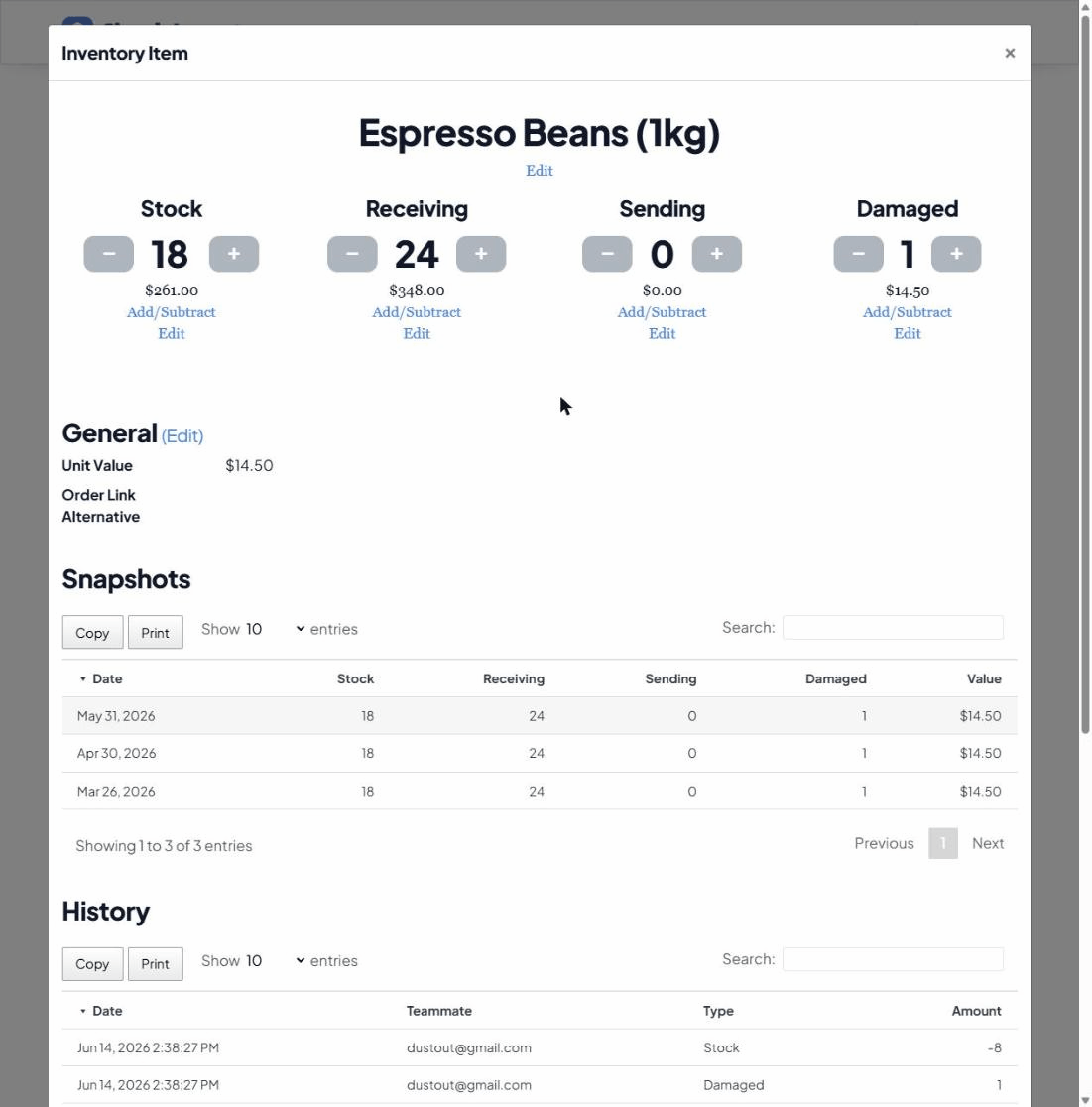
Here’s where this gets practical. Because Simple Inventory Management ships with a built-in MCP server, you can connect Claude and literally ask forecasting questions against your real numbers. There’s no export, no model to maintain, and Claude reads your actual counts and change history rather than a guess.
The questions look like the ones you’d ask a colleague who happened to have read every transaction:
- “Based on the last 6 months, how many of each item will I likely need next month?”
- “Which items are trending up, and which are slowing down?”
- “Given each supplier’s lead time, what should I order this week to stay covered?”
Setting it up is a one-time step (see connecting Claude), and from then on the analysis is a sentence away. For more starter prompts, see 5 questions to ask an AI about your stock.
Turn the forecast into a decision
A forecast is only useful if it changes what you do. The natural home for it is your reorder points: a forecast that demand is climbing is a signal to raise the threshold before you get caught short. Heading into a known peak, pair it with seasonal demand planning, and let it feed the automated reorder workflow so the watching happens on its own.
Keep a human in the loop
One honest caveat: a forecast is an input, not an autopilot. AI proposes, you decide. It doesn’t know that a big client just churned or that you’re discontinuing a line, but you do. Treat the numbers as a fast, well-informed second opinion that feeds your reorder points, then apply the context only you have. That’s the balance: the analysis is automated, the judgement stays yours.