Asset tracking vs. inventory tracking: what’s the difference?
People use “inventory” and “assets” as if they mean the same thing, and then get frustrated when a tool built for one does a poor job at the other. They are genuinely different things, with different questions attached. Once you can tell them apart, deciding what to track (and how) gets a lot easier.
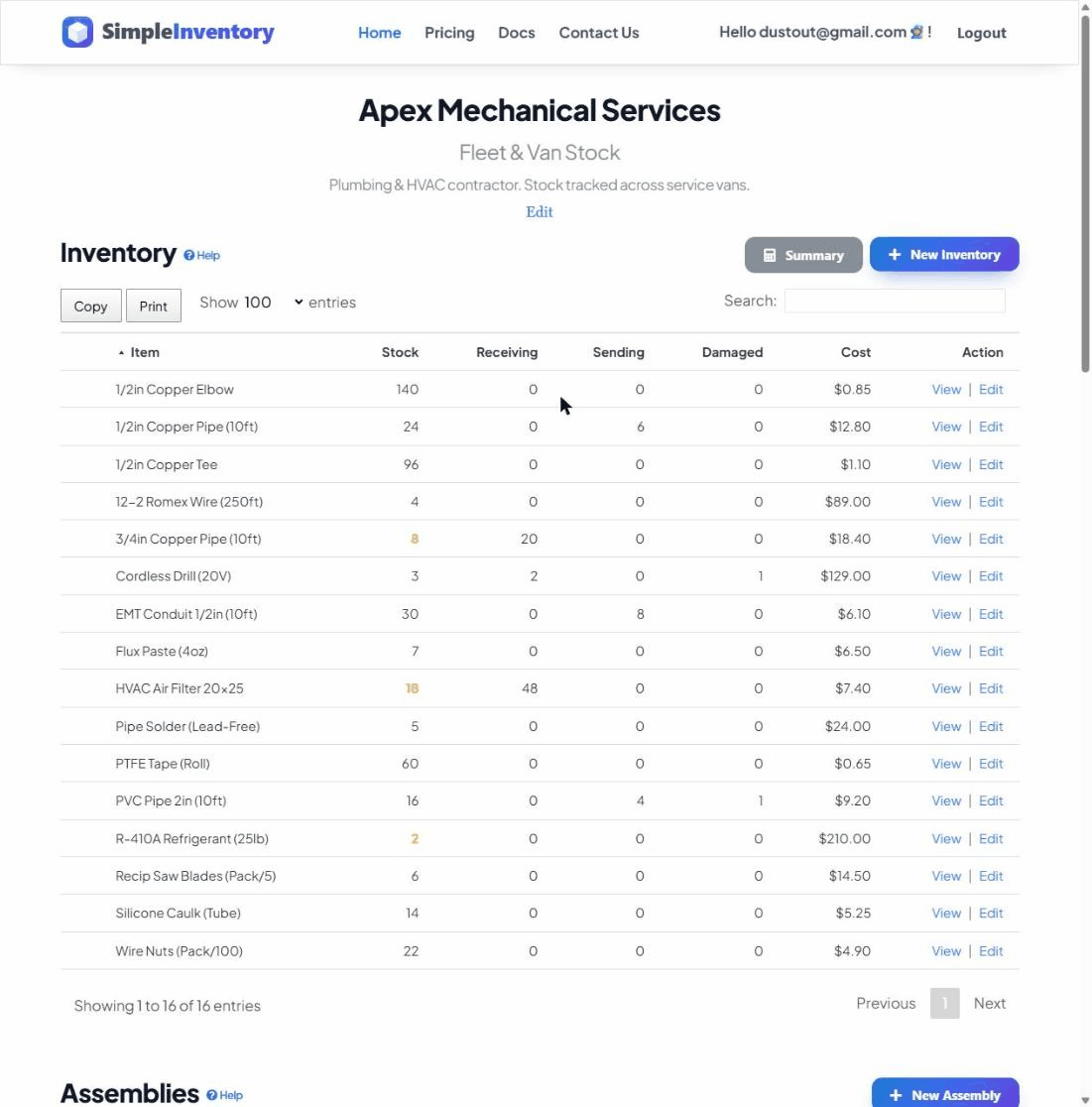
Inventory: stock you use up and reorder
Inventory is consumable stock. You buy it, you use it up, and you reorder it. You care about it as a quantity: how many boxes of screws, rolls of filament, or bags of coffee beans are on the shelf right now, and at what point you need to buy more. The defining question for inventory is “how much is left, and when do I reorder?” That is why reorder points matter so much for stock.
Assets: gear you own and reuse
Assets are durable items you own and keep reusing: tools, laptops, AV gear, lab and test equipment, cameras, ladders. You do not count them in bulk; you track them as individual units that you check in and out. The defining question for an asset is not “how many do we have left?” but “where is this one, and who has it right now?”
What changes, and why it matters
The two questions lead to two different jobs:
- Inventory: counted as quantities, used up over time, and the action you take is to reorder before you run out.
- Assets: counted as individual units, kept for years, and the action you take is to locate and recover them so they do not walk off.
Confuse the two and you get odd results: setting a reorder point on a $2,000 3D printer makes no sense, and trying to “check out” a single screw is just busywork.
When you need both
Most real workspaces have both sitting side by side. A workshop has consumables (filament, fasteners, adhesives) and assets (3D printers, drills, soldering stations). The same is true almost everywhere:
- Contractors: screws and caulk (inventory) plus drills and generators (assets). See tool tracking for construction crews.
- Makerspaces: filament and material stock plus printers and machines. See makerspace inventory.
- Schools and churches: classroom and craft supplies plus laptops, projectors, and AV gear.
- Event and AV teams: gaffer tape and batteries plus cameras, lights, and mixers.
- Small IT: cables and spare drives plus the laptops and monitors handed out to staff.
How to track assets in practice
You do not need a separate system. Tracking assets well comes down to three simple habits:
- Give each asset its own durable QR label so it can be scanned in seconds.
- Record its location so you always know where it lives. See multiple locations.
- Check it in and out so you always know who has it and where it went, and printing your own labels is easy. See labelling items with QR codes.
Use locations and team access
Treat each site, van, or room as its own location, the same way you would for stock. Then give the right people team access so updating an asset is everyone’s job, not one person’s bottleneck. When the foreman, the lab tech, or the AV lead can all scan and re-home gear, records stay current without anyone chasing them.