A unique QR code for every item
Label each item once, then scan to check or update its count from any phone. No scanner hardware, no app download.
Start free for a limited time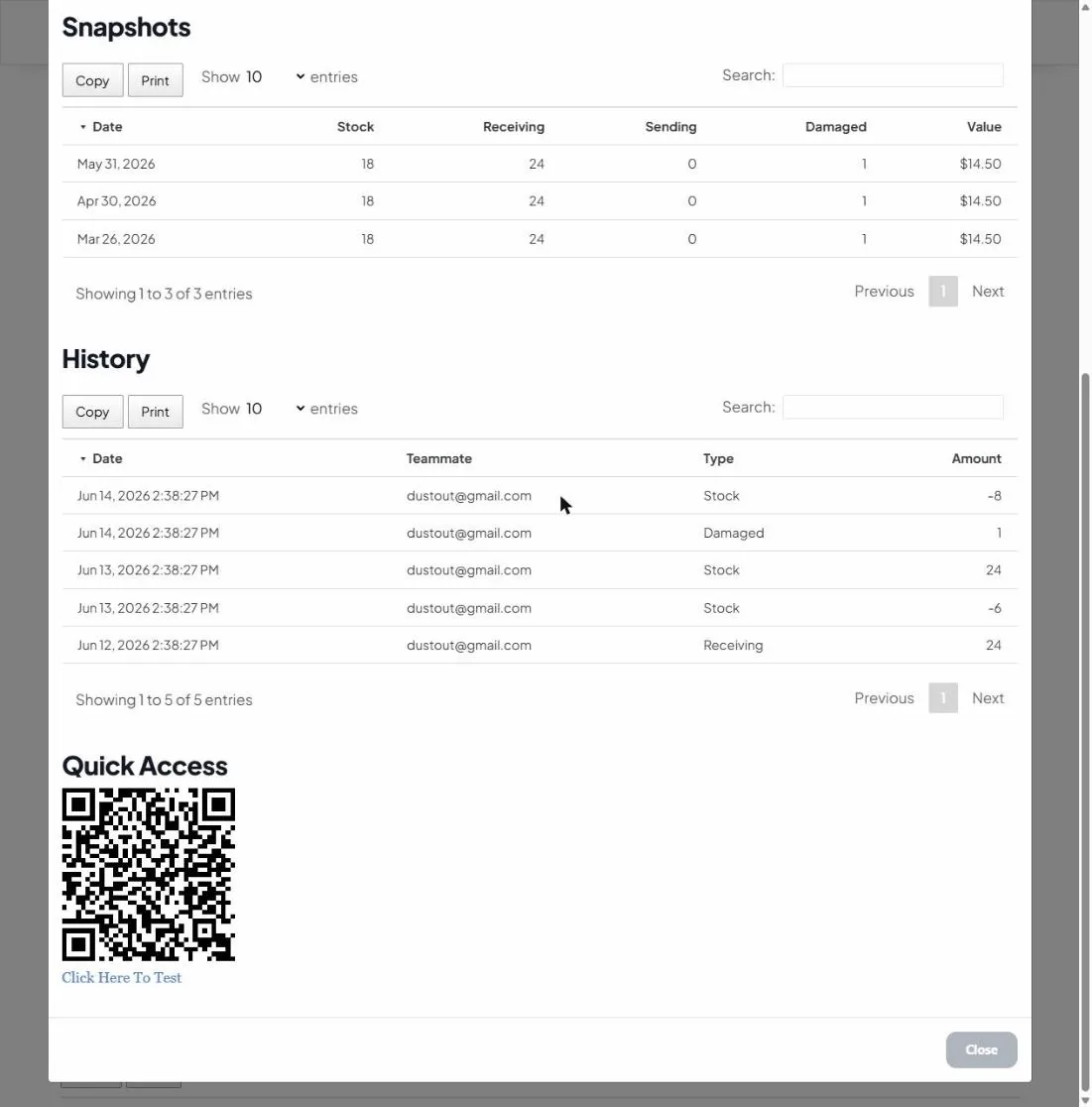
Print & stick
Every item gets its own code. Print labels and attach them to the item, bin or shelf.
Scan from any phone
Point a phone camera at the code to open that exact item. No app, no special device.
Update on the spot
Adjust counts as you receive, use or move stock, right where the item lives.
Turn a slow lookup into a one-second scan
Searching a list for “the blue widget, v2” is where counts go wrong. A QR code resolves to one exact record, so anyone on the team can update stock accurately in seconds, whether on the floor, in the van, or at receiving.
Want the full playbook? Read QR code inventory tracking: a practical guide.