Reconciliation snapshots
Freeze a point-in-time view of your counts (daily, weekly, monthly or yearly), then reconcile against it to catch shrinkage and errors before they cost you.
Start free for a limited time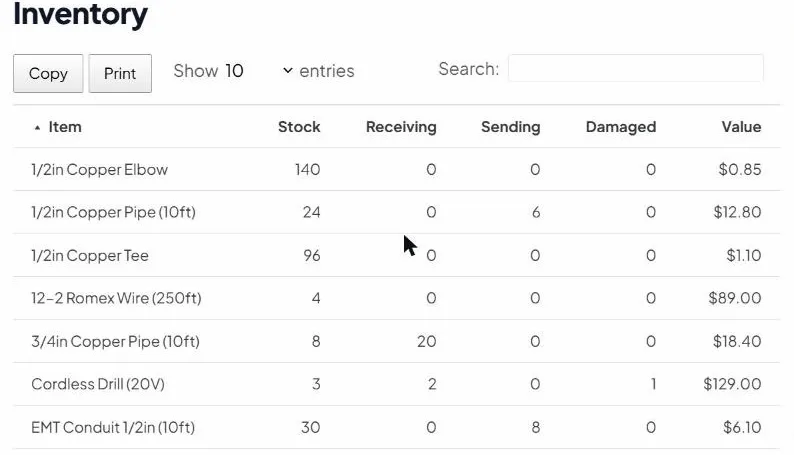
Freeze a reference
Capture exactly what the system believes you have right now: your baseline to count against.
On your schedule
Daily, weekly, monthly or yearly: snapshot as often as your operation needs.
Audit & reconcile
Compare physical counts to the snapshot, investigate discrepancies, and correct with a clear trail.
Reconciliation without the spreadsheet scramble
The hardest part of reconciling is having a clean reference point while stock keeps moving. Snapshots give you exactly that: a frozen record you can count against any time, so discrepancies are obvious and fixable instead of mysterious.
Take one with New snapshot in the Snapshots section, then choose Compare with today to see each item’s saved stock next to today’s, with the change between them.
A snapshot tells you what the count was. The change history shows every change since, and who made each one.