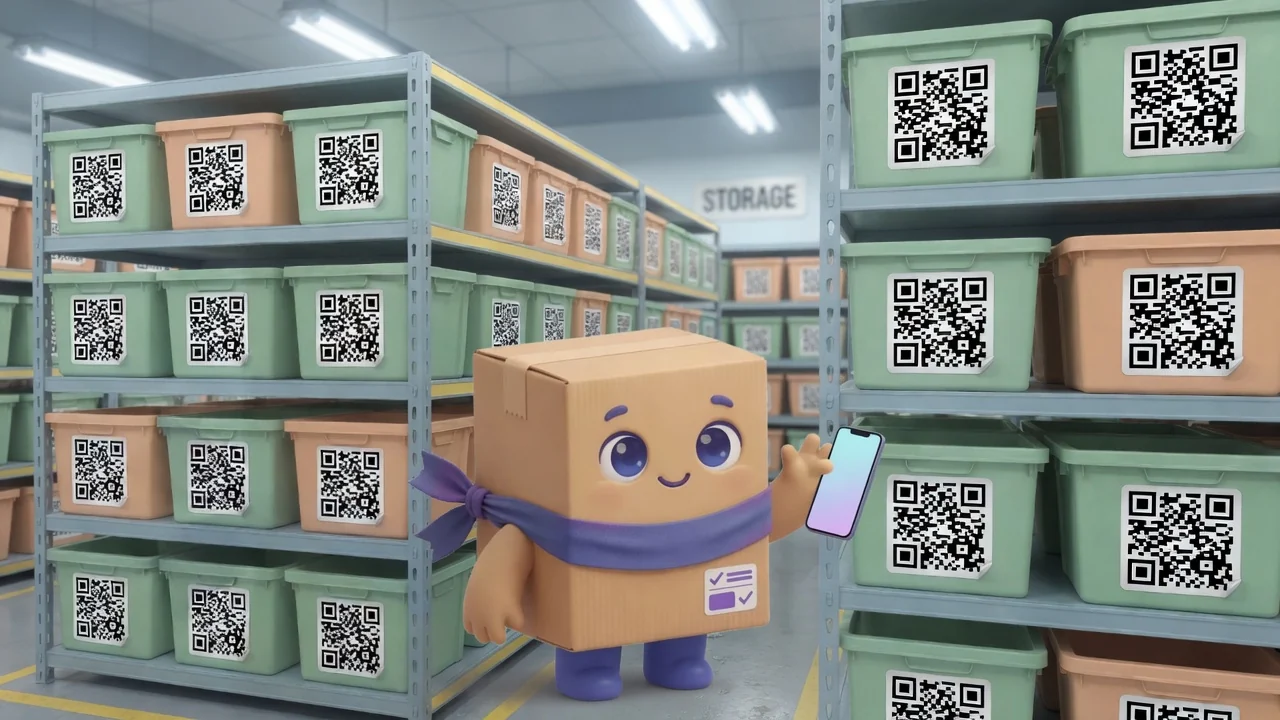
From box to QR code: label your whole inventory in an afternoon
Labeling sounds like a multi-week project. It isn’t. With a little prep and a cheap label printer, a small team can tag an entire stockroom in an afternoon. Here’s the playbook.
Step 1: Get your item list in first
Don’t label before your items exist in the system, because each QR code points to a specific item record. Enter (or import) your items and current counts first.
Step 2: Decide what gets a label
Label the thing you’ll scan: the bin, the shelf edge, or the product itself. For loose parts, label the bin; for serialized or boxed goods, label the item. Consistency matters more than perfection.
Step 3: Print in batches
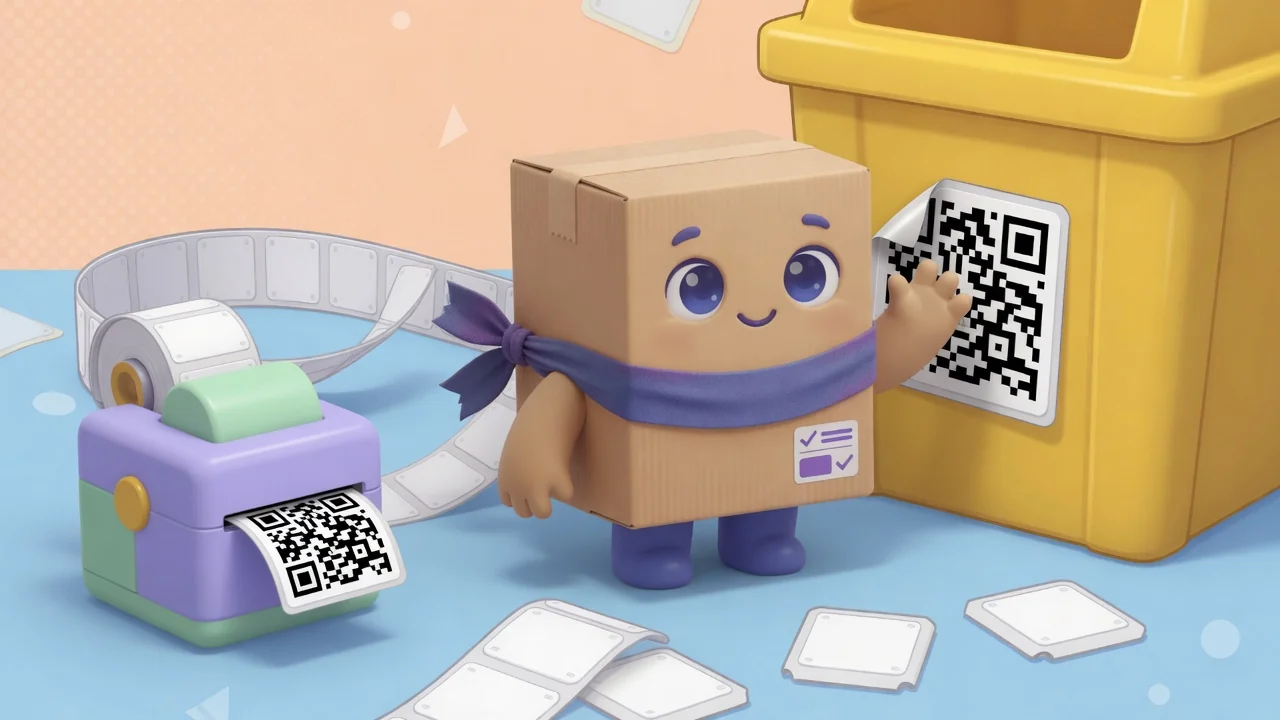
Generate the codes and print on durable labels: sturdier stock for cold, damp, or high-traffic areas. Work zone by zone so you can see progress and don’t lose your place.
Step 4: Place them consistently
Same spot, same height, every time. When scanning becomes muscle memory, your team actually keeps counts current.
Step 5: Do a scan-through
Walk the room scanning each label to confirm it opens the right item. That five-minute pass catches mismatches before they cause confusion. Then you’re live, and anyone can update stock from their phone.