SKUs and barcodes vs. QR codes: what to use and when
These three get lumped together, but they solve different problems. A SKU is the name you give an item. A barcode or QR code is just a fast way to read that name with a scan. Get the SKU right first; the scanning tech is the easy part.
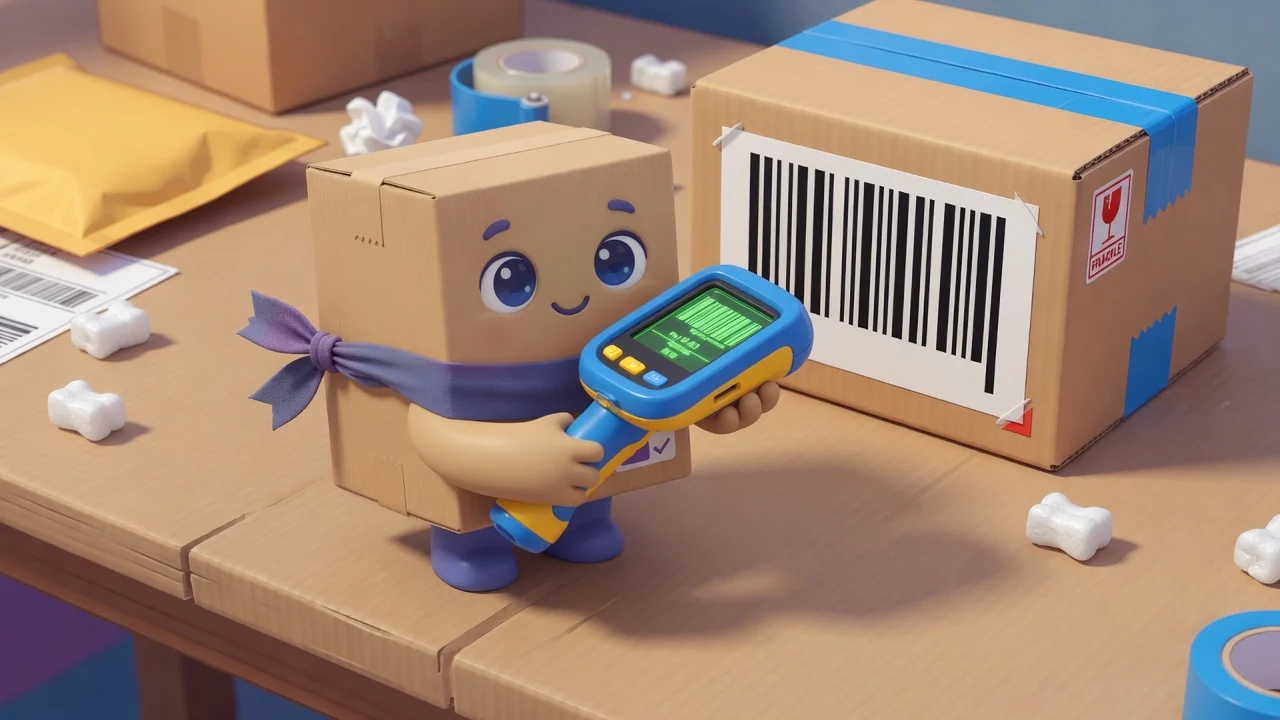
Start with a SKU scheme you can read
A SKU (stock-keeping unit) is your internal code for a product. The goal is a code a human can half-read at a glance and that sorts sensibly. A few rules that save pain later:
- Make it meaningful but short, e.g.
TSH-BLK-Lfor a black large t-shirt. - Go general to specific, left to right, so related items group when sorted.
- Never reuse a retired SKU, because old data will haunt the new item.
- Avoid ambiguous characters, so there are no
O/0orI/1mix-ups. - Don’t encode price, since prices change but SKUs shouldn’t.
UPC/EAN vs. your SKU
A retail UPC/EAN barcode is the manufacturer’s global ID, great for items you resell that already carry one. Your SKU is yours, and you need it for anything without a retail barcode: materials, bulk goods, things you make. Many businesses store both and scan whichever is on the box.
Where barcodes still win
Linear barcodes are unbeatable for high-volume retail checkout: a dedicated laser scanner reads them instantly, and the whole world’s POS hardware speaks them. If you’re ringing up hundreds of items an hour at a till, barcodes plus a hardware scanner is the right tool.
Where QR codes win
QR codes hold far more data, survive being partly scuffed, and (the big one) scan from any phone camera with no special hardware. For stockroom work, multi-location moves and field teams, that’s decisive: anyone with a phone can scan to check or update stock. That’s the model behind our per-item QR codes, and there’s a full walkthrough in QR code inventory tracking.
How to choose
- Fast retail checkout, existing scanner hardware? Barcodes.
- Phone-first counts, stockroom, vans, multiple sites? QR codes.
- Reselling branded goods? Keep the UPC and your own SKU.
- Either way: a clean SKU scheme underneath both.
Don’t overthink it
Plenty of small businesses run beautifully on a sensible SKU scheme and QR codes alone, with no barcode hardware at all. Get your naming right, generate a code per item, and start scanning. You can always add retail barcodes later if checkout volume demands it.