How to set reorder points so you never run out of stock again
A reorder point is the stock level that should trigger a new order. Set it well and you reorder just in time: never scrambling after a stockout, never drowning in excess. Here’s how to calculate one without a supply-chain degree.

The simple formula
For any item:
Reorder point = (average daily usage × lead time in days) + safety stock
- Average daily usage: how many you sell or consume per day.
- Lead time: days between placing an order and it arriving.
- Safety stock: a buffer for demand spikes and late deliveries.
A worked example
You use about 8 units a day, your supplier takes 5 days, and you want a 2-day buffer: (8 × 5) + (8 × 2) = 56. When stock hits 56, it’s time to reorder.
Where to get your numbers
Average usage comes from your transaction history, which is exactly why tracking changes matters. Lead time comes from your order history with each supplier. Review both quarterly; demand and lead times drift.
Don’t rely on memory: automate it
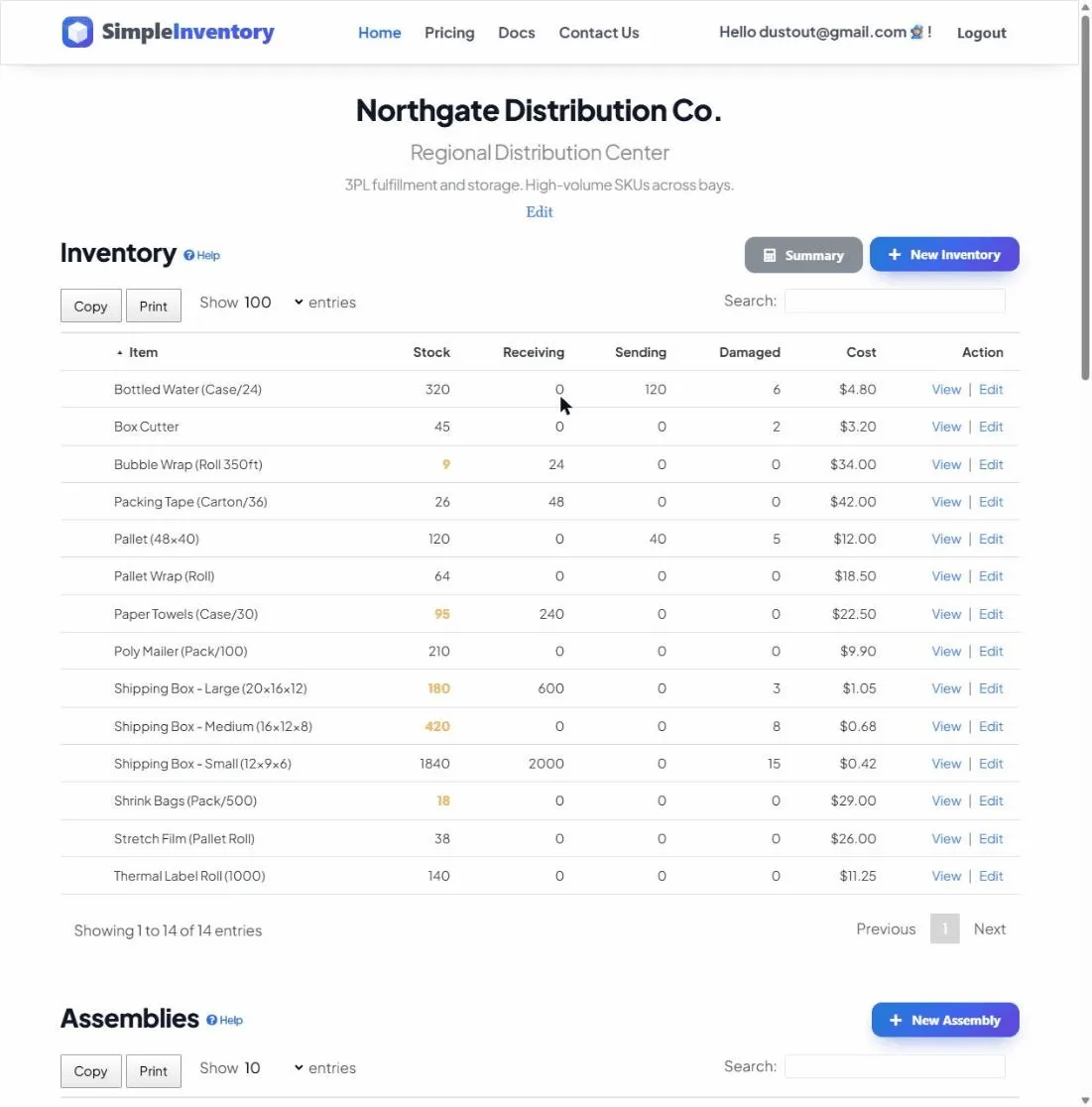
A reorder point only helps if someone notices when you hit it. Set warning and critical levels per item so the system flags low stock for you, and build a reorder list in seconds instead of eyeballing shelves.